Millburn PS Facebook Feed


Latest News
Water Fight!
💦🌞 What’s the best way to wrap up your last ever full day of primary school?
By unleashing the water fight of all water fights in glorious sunshine - obviously!
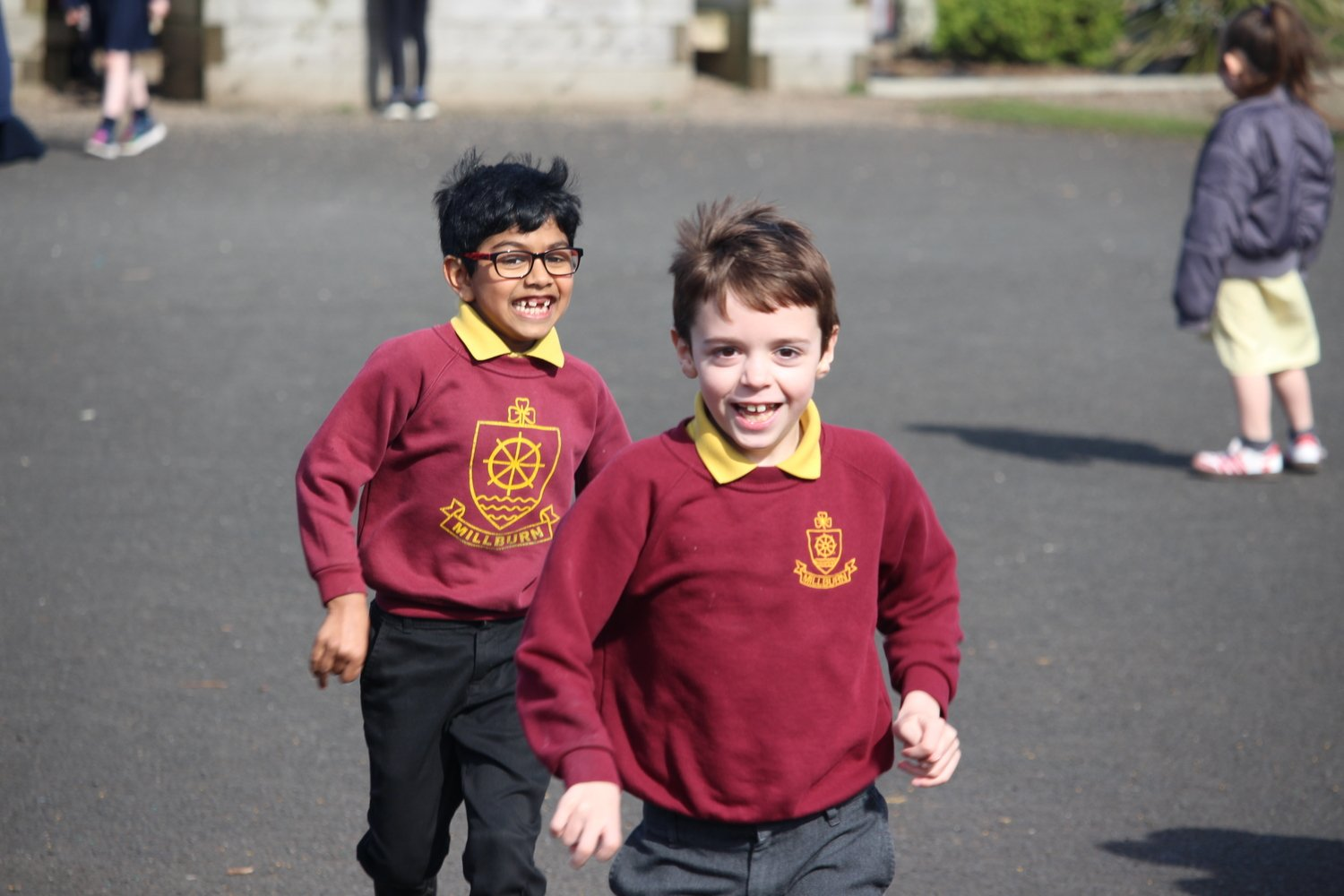
Laughter everywhere, pupils soaked, staff dodging super‑soakers with questionable success… it was PERFECT from start to finish. The kind of memory that sticks with you long after the uniforms dry!
Here’s to going out with a splash - literally! ♥️💛♥️💛
Inter Schools Athletics
What an outstanding performance from Team Millburn at today’s Inter‑Schools’ Athletics event. Our young athletes represented their school brilliantly across a wide range of track and field events, showing determination, teamwork and true Millburn spirit from start to finish.
Their hard work paid off as Team Millburn finished an incredible 3rd place out of 14 schools - a superb achievement and one the whole school community can be proud of.
We also had several fantastic individual and team highlights:
🥇 1st place – Boys’ Relay
(Jacob, Billy, Henry and Leo)
🥈 2nd place – Boys’ 400m
(Henry)
🥈 2nd place – Girls’ 400m
(Macy)
🥈 2nd place - Boys’ 100m
(Jacob)
🥈 2nd place - Boys’ Chest Push
(Junior)
🥉 3rd place - Girls’ Chest Push
(Julia)
A huge well done to every athlete who competed with pride, passion and positivity. Another brilliant day for our school and another reminder of what makes Team Millburn so special! ♥️💛
National Champions 2026
Millburn Primary School - National Champions 2026
Simply put, today delivered the most incredible ending to the most incredible season for our Millburn PS football team. Having been crowned Mullan Cup winners earlier in the year, the boys travelled to Lisburn to represent their district in the NI Schools’ National Finals and they did so with pride, passion, and a level of football that will be remembered for years.
Across a demanding schedule of five matches against the very best teams from across Northern Ireland, the Millburn squad showed skill, resilience and togetherness in abundance.
Game 1: A flying start with a superb 4–0 win over Lisburn Champions, Tonagh PS.
Game 2: Momentum continued as Millburn secured a confident 3–0 victory against Moyallon PS (Craigavon).
Game 3: A tight, high quality contest ended in a 1–1 draw with an excellent Mullavilly PS side.
Game 4: Knowing two wins would seal the title, the boys delivered - a composed 2–0 win over Mullaglass PS.
Game 5: With everything on the line, Millburn produced a sublime performance, defeating St Paul’s (Belfast) 3–0 to write their names into the history books.
Five games. Four wins. One draw. One goal conceded from open play in their victories.
And now… Champions of Northern Ireland!